Translate a Spanish iPhone voice memo into English text
Save a Voice Memos recording as M4A, choose English output and check the translation before sharing it.
Save the recording to Files
In Voice Memos on iPhone, select the recording, open its actions, choose Share and then Save to Files. Use the rendered M4A option if Voice Memos offers export choices. Pick a folder you can find again, such as Downloads. Apple’s instructions for exporting a recording
Choose English text
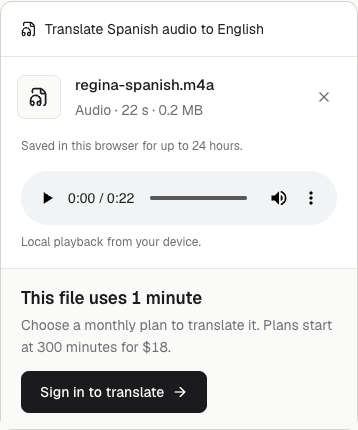
Open the Spanish audio to English tool on the phone. Tap Choose a file and select the saved M4A. This page already has Spanish input and English output set. Check the estimated minutes before signing in. Processing uses minutes from a paid plan.
If you need to quote the speaker in Spanish, open Spanish audio to Spanish text instead. Each task creates one result in the language you chose.
Check a detail before you share the translation
This M4A is an excerpt from a filmed interview. Listen for “a los seis años” near the end and compare it to the age in the English text. For a personal memo, give dates, amounts and names the same second listen.
English translation
22 seconds · unedited outputIf you go to a Puerto Rican house, the first thing you hear is people screaming and it seems that we are all screaming and fighting, but it is really a very passionate culture. I grew up learning Spanish first and then I learned English at the age of six.
Download TXT to paste into a message or document. Choose SRT or VTT when someone needs to see the words in time with the recording.